
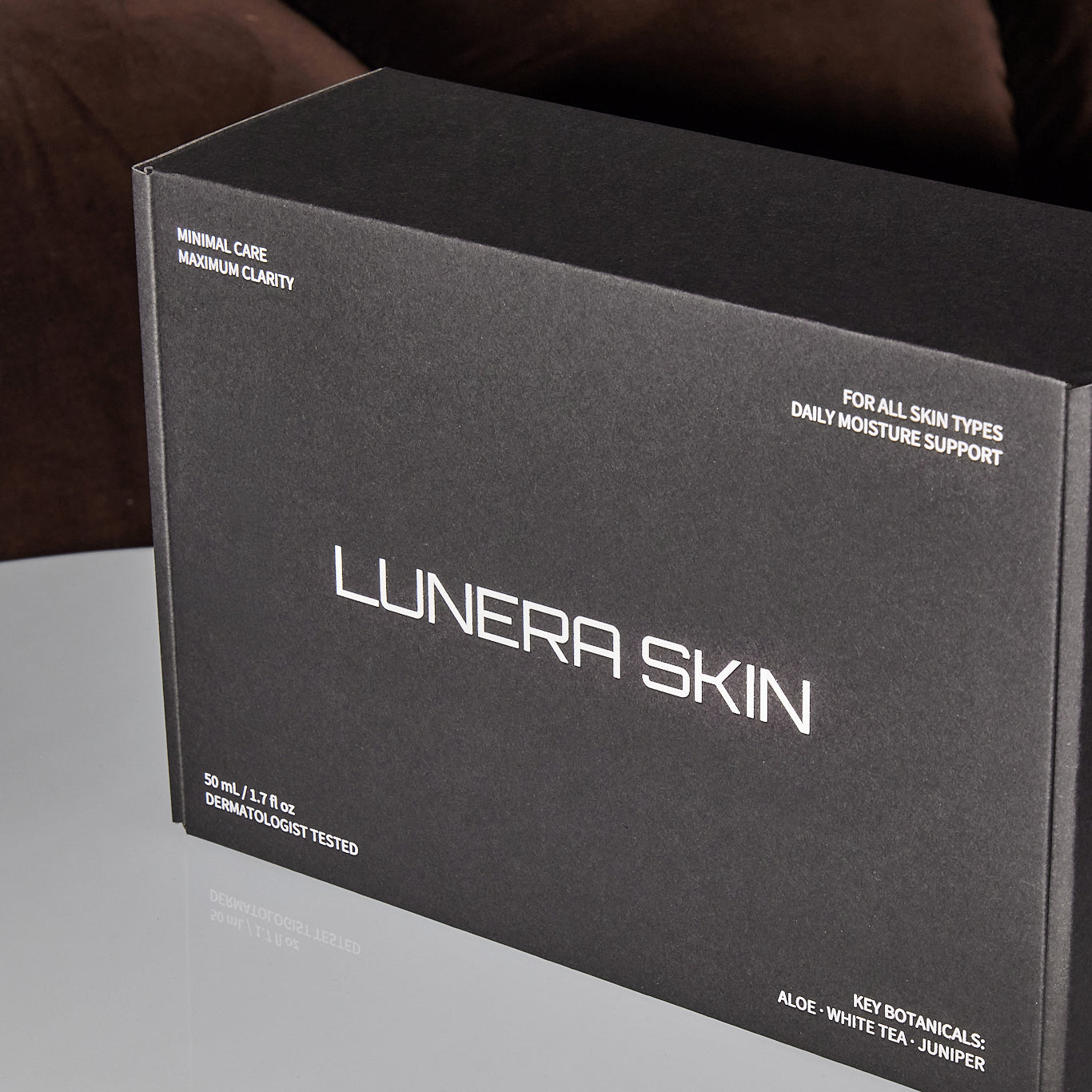
White Ink Only + Clear Spot Gloss Mailing Boxes
Tax excluded. Shipping calculated at checkout
Description
Description
White Ink Only + Clear Spot Gloss Mailer Boxes
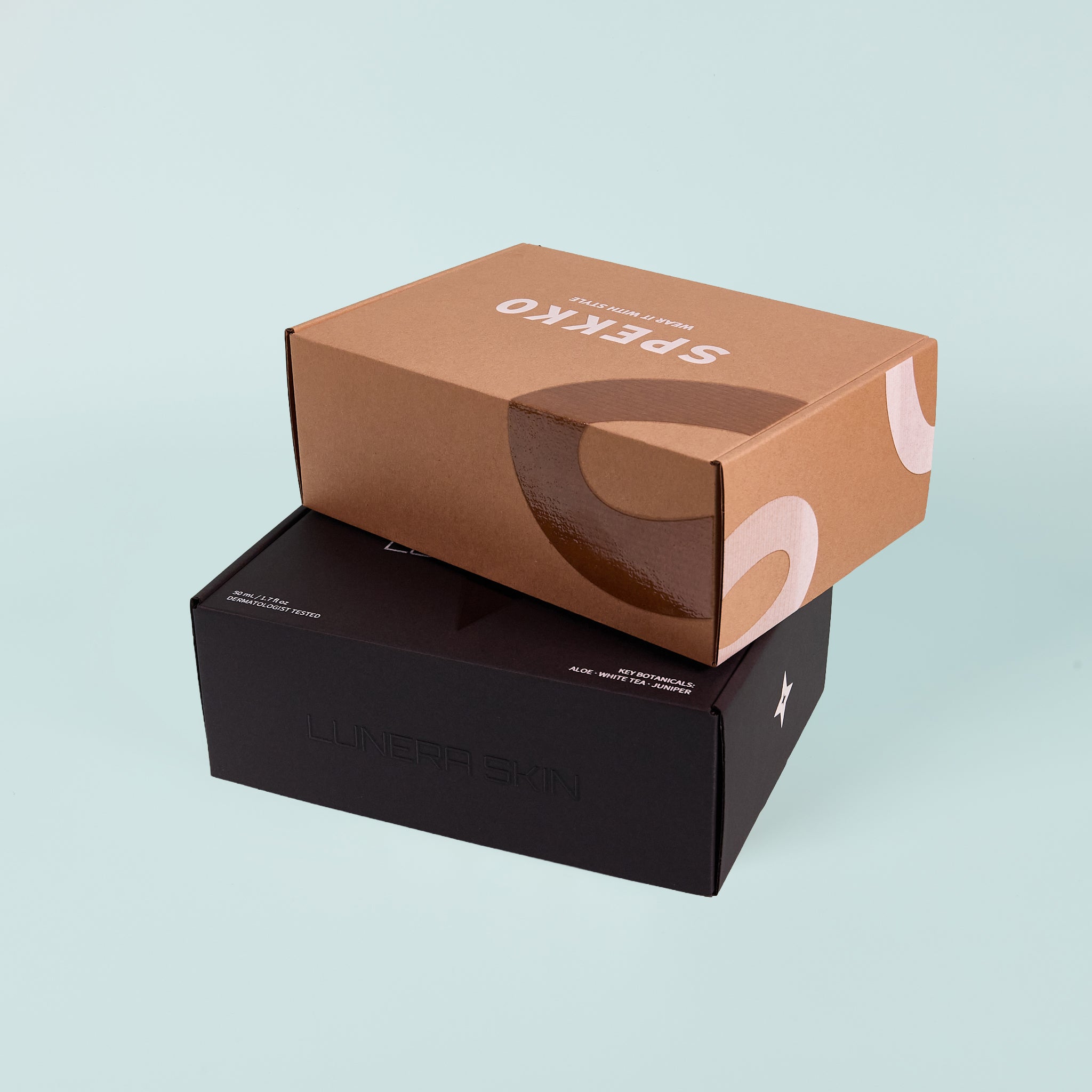
White ink and spot gloss. A pairing that works harder than it looks. White ink print on Black Kraft or Natural Kraft boxes with a clear spot gloss layer applied over selected areas. Two layers, both set up in your dieline. The gloss adds a tactile dimension to what's already a high-contrast, minimal finish. On a Black Kraft box in particular, the combination of white ink and spot gloss produces a result that's hard to achieve at this volume and turnaround.
Your dieline includes a dedicated layer for gloss placement. Apply your gloss artwork to that layer before submitting.
Available on Black Kraft and Natural Kraft boxes. From 1 unit, maximum 250 units.
Please note: All box dimensions listed are external. Once assembled, the internal space is slightly reduced due to the folds. As a guide, the internal length will be approximately 8 to 10mm less than the listed size.
If you need more than 250 units or a fully bespoke finish, Custom Print is the next step. Get a quote.
What happens after you order?
Never ordered printed packaging before? Here's the full process so you know exactly what's coming and when.
Step 1
Order online
Choose your box size, board colour, and quantity, then add to cart and check out. You don't need your artwork ready at this stage. Once your order is confirmed you'll receive a thank you email with your order number. Keep it handy — you'll need it when you submit your artwork.
Step 2
Get your dieline
We'll email you a print-ready dieline (.ai file) set up with the correct layers for your product type. Everything is labelled so you know exactly where your artwork, bleed, and any special finish layers need to go. If you need help understanding the file, we're here.
Step 3
Create your artwork
Place your design onto the dieline using the provided layers. Working with a designer? Forward them the file directly. Need help with the artwork? Our design service can take your brief and build it for you. Not sure if your artwork is set up correctly? Email us before you submit and we'll check it.
Step 4
Submit for approval
Email your completed artwork file to custompackaging@thepackagingpeople.com.au with your order number in the subject line. We review every file before anything goes to print. If something needs adjusting we'll let you know exactly what to fix. Nothing prints until you've approved it.
step 5
We print and ship
Once your artwork is approved, your boxes go into production in-house here in Australia. Allow 7 to 10 business days from artwork approval. You'll receive a tracking notification when your order ships.
ARTWORK SETUP
Get your file print-ready
Your dieline arrives with everything set up. Follow the specs below before you submit and your artwork will be ready to print without delays.
Not sure if your artwork is set up correctly?
Email your file to custompackaging@thepackagingpeople.com.au before you submit and we'll check it.
File format
File format
Adobe Illustrator (.ai) only. We don't accept PDF, InDesign, or Photoshop files. If your designer works in a different program, ask them to export a print-ready .ai file before submitting.
Colour mode
Colour mode
All artwork must be set up in CMYK before you submit. We don't convert RGB files on our end. If you're working in RGB, convert your document to CMYK in Illustrator before saving. Colours may shift on conversion, so check your artwork afterwards and adjust if needed.
Resolution
Resolution
Any embedded images or raster elements must be 300 DPI at final print size. Low-resolution images will appear pixelated in print even if they look fine on screen.
Bleed
Bleed
Set up 2mm bleed on all sides. Your dieline includes bleed guides. Extend your background colours and any edge elements to the bleed line, not the cut line.
Fonts
Fonts
All fonts must be converted to outlines before submitting. In Illustrator, go to Type > Select All > Create Outlines. This ensures your fonts print correctly on our end.
Layers
Layers
Your dieline arrives with layers already named and set up. Work within the existing layer structure. Don't delete, rename, or merge layers. Place your artwork on the correct layers as labelled.
Spot gloss
Spot gloss
If your product includes a spot gloss finish, your dieline includes a layer named SPOT. Place the shapes or elements you want gloss applied to on that layer only. The gloss prints exactly where your artwork sits on that layer, so check placement carefully before submitting.
Print sides
Print sides
Your dieline includes both inside and outside panels. Only set up the sides you've ordered and paid for. Leave any unordered panels blank.
GOT QUESTIONS?
Frequently asked questions
Everything you need to know before you order, and a few things worth knowing after.
Do I need my artwork ready before I order?
Do I need my artwork ready before I order?
No. Order first, artwork second. Once your order is confirmed we'll email you the dieline and you can start setting up your artwork from there.
Can I see a proof before my order prints?
Can I see a proof before my order prints?
We review every artwork file before it goes to print and we'll flag anything that needs attention. Nothing prints without your sign-off. If you want to check the print result before committing to a larger run, you can order a single unit as a test.
What if my artwork needs changes after I submit?
What if my artwork needs changes after I submit?
We'll let you know exactly what needs fixing. Once you resubmit and we approve the updated file, your order moves into production. Your 7 to 10 business day turnaround starts from final artwork approval, not from when you first submit.
What's the minimum and maximum order quantity?
What's the minimum and maximum order quantity?
Minimum 1 unit, maximum 250 units per order. If you need more than 250 units, Custom Print is the right path. Get a quote.
How long does production take?
How long does production take?
7 to 10 business days from artwork approval. We'll send you a tracking notification when your order ships.
Can I order a sample before committing to a print run?
Can I order a sample before committing to a print run?
Yes. You can order a single unit as a test print before committing to a larger run. If you want to check sizing and board quality before ordering, request a plain box sample from our samples page.
Are the box dimensions internal or external?
Are the box dimensions internal or external?
All dimensions listed are external. Once assembled, the internal space is slightly reduced due to the folds. As a guide, the internal length will be approximately 8 to 10mm less than the listed size.
Can I print on the inside of the box as well?
Can I print on the inside of the box as well?
Yes, inside printing is available as a variant when you order. Select your preferred print sides when adding to cart.
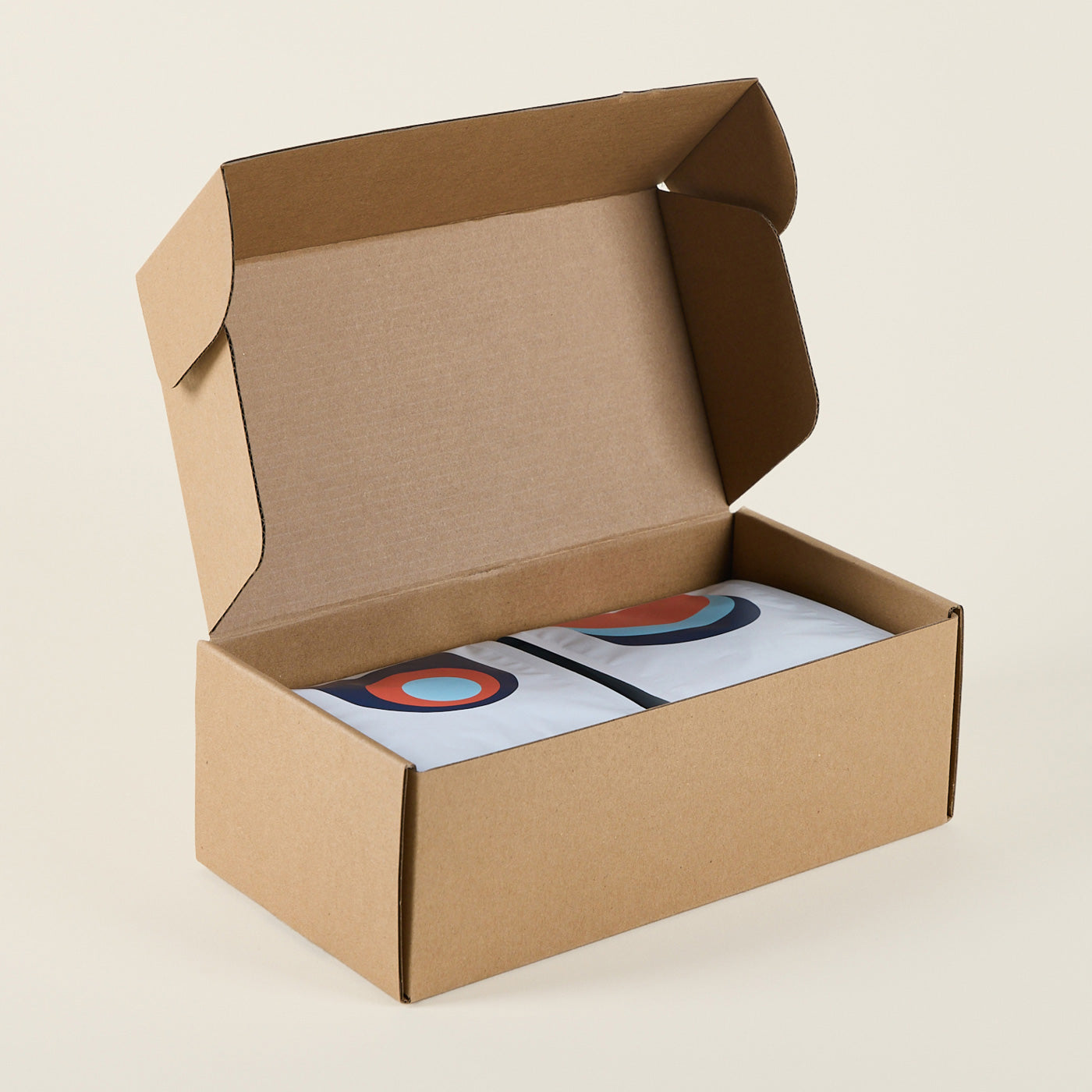
Not ready to commit to a print run? Request a plain box sample to check sizing and board quality before you order.
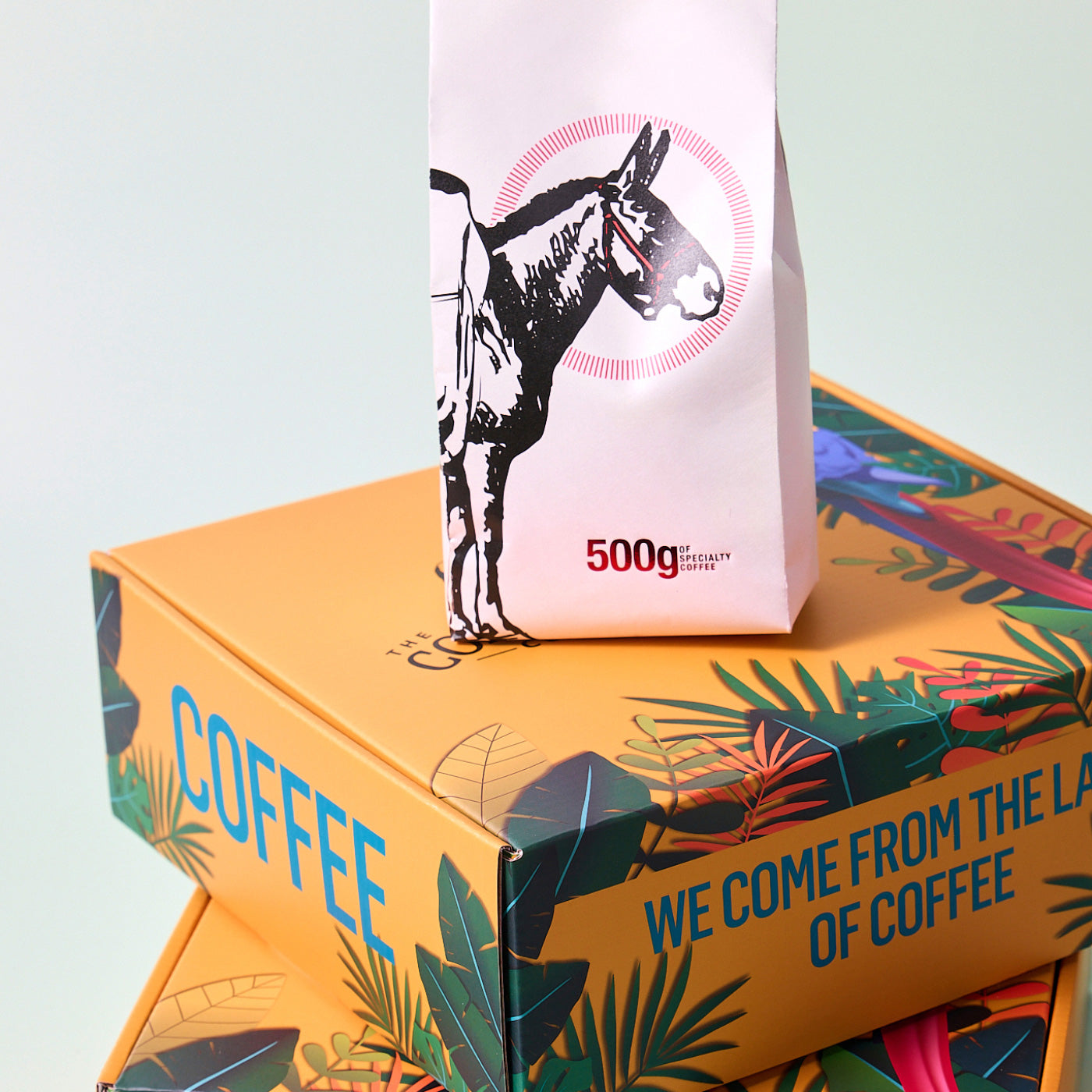
Need more than 250 units or a fully bespoke finish? Custom Print is the next step. Tell us what you need and we'll take it from there. Get a quote.